
WhatsApp Messenger 2.26.35.71 for Android
2.26.35.71 · WhatsApp LLC · Page updated
WhatsApp Messenger is the free Android messaging app from WhatsApp LLC for chats, group chats and calls. Install it from Google Play to get official updates.
Rate WhatsApp Messenger
Average 0.0 · ratings: 0
Thank you! Your rating is saved; you can change it. Could not save the rating. Please try again later. Too many ratings from your network today. Please try again tomorrow. The average appears after 5 ratings.
Screenshots
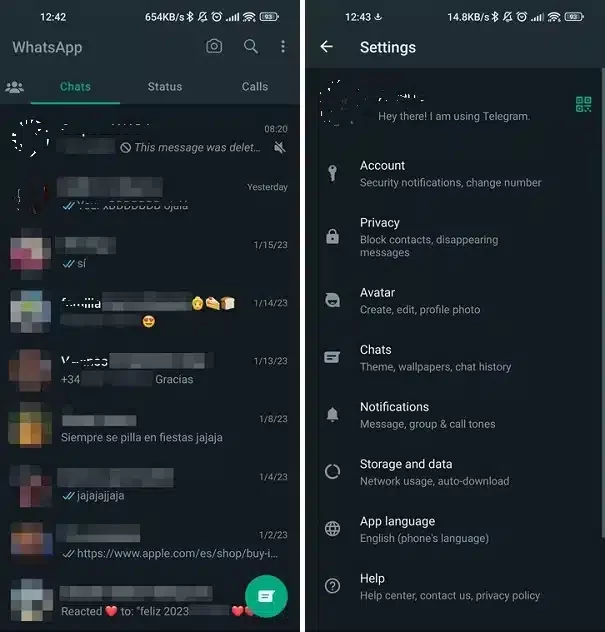
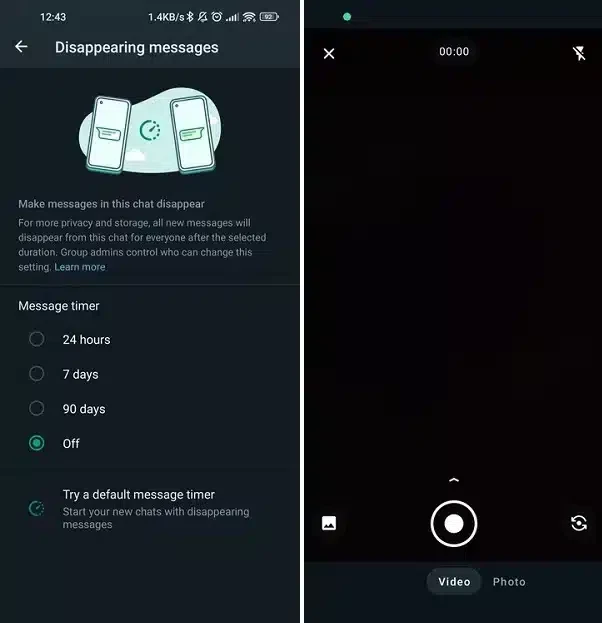
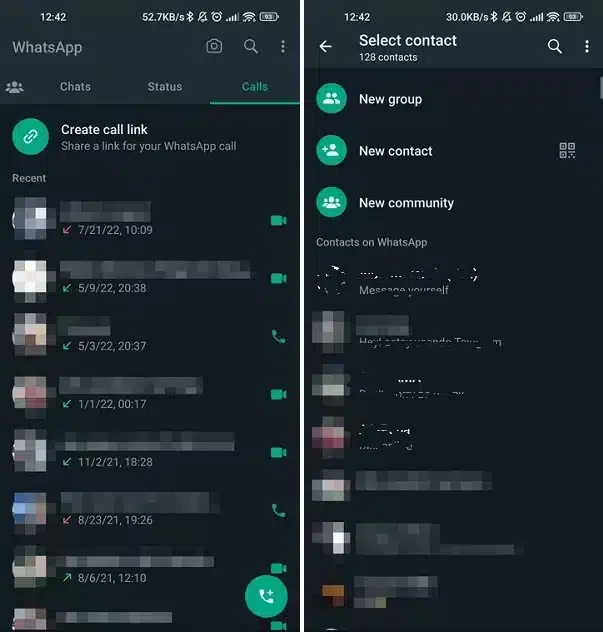
About WhatsApp Messenger
WhatsApp Messenger 2.26.35.71 is the Android version of the instant messaging client from WhatsApp LLC, now part of Meta Platforms. You can download it for free from Google Play and use it for private chats, group chats, calls and channels with contacts from your phone book.
What is WhatsApp Messenger?
WhatsApp is a mobile messenger and online service that links your account to a phone number rather than a username. Once the number is verified, the app finds contacts who already use it and lets you message them over mobile data or Wi-Fi instead of SMS. The project started in 2009, and today the same account works on Android, iOS, Windows and macOS. Under the hood the service was built on the Extensible Messaging and Presence Protocol, and much of its server code is written in Erlang, which is one reason it copes with very large groups of users. For most people, though, the appeal is simpler: almost everyone they know already has it installed, so there is nothing to explain when they start a conversation.
What's new in recent updates?
WhatsApp publishes changes on its official blog. A recent roundup covered updates to group chats, events, calls and channels. Version 2.26.35.71 is the build listed here; Google Play may already offer a newer one, since the app updates frequently.
How do I install it?
- Open the WhatsApp Messenger page on Google Play and tap Install.
- Launch the app, accept the terms and enter your phone number.
- Type in the verification code you receive by SMS or call.
- Allow access to contacts so the app can show who is already on WhatsApp.
- If you used WhatsApp before, restore your chat backup when the app offers it.
What does it cost?
The app is free, with no subscription for personal use. Messages and calls use your internet connection, so on mobile data your carrier's usual charges apply. Businesses can use the separate WhatsApp Business app.
Is it safe, and what about modified versions?
The official app from Google Play is signed by WhatsApp LLC and receives security updates automatically. Modified clients such as GBWhatsApp, WhatsApp Plus or YOWhatsApp are not made by WhatsApp, can contain hidden code and can get your account suspended. Stick to the official build, keep it updated and turn on two-step verification in the account settings. The download page on whatsapp.com also points to the official store listings.
What are the pros and cons?
- Pro: most of your contacts probably already use it.
- Pro: same account on phone and desktop.
- Pro: free for personal use.
- Con: requires a phone number.
- Con: owned by Meta, which some users dislike for privacy reasons.
- Con: chat backups can take a lot of storage over time.
Which alternatives are there?
If you need another messenger, our listings include Telegram, Viber, Line, Facebook Messenger, WeChat and Discord, all of them messaging apps for Android, while Google Messages handles text messages on the phone itself.